Find your view.
Rotate, pan and zoom. Inspect the room from above and switch between prepared bath and vanity variants.
Editable 3D scenes.
Considered revisions.
Explore a scene, move an object, try a material. A working prototype for making specific changes while keeping a 3D project editable.
Open the editing tools ↘EXPERIMENTAL PROTOTYPE / CGI & AI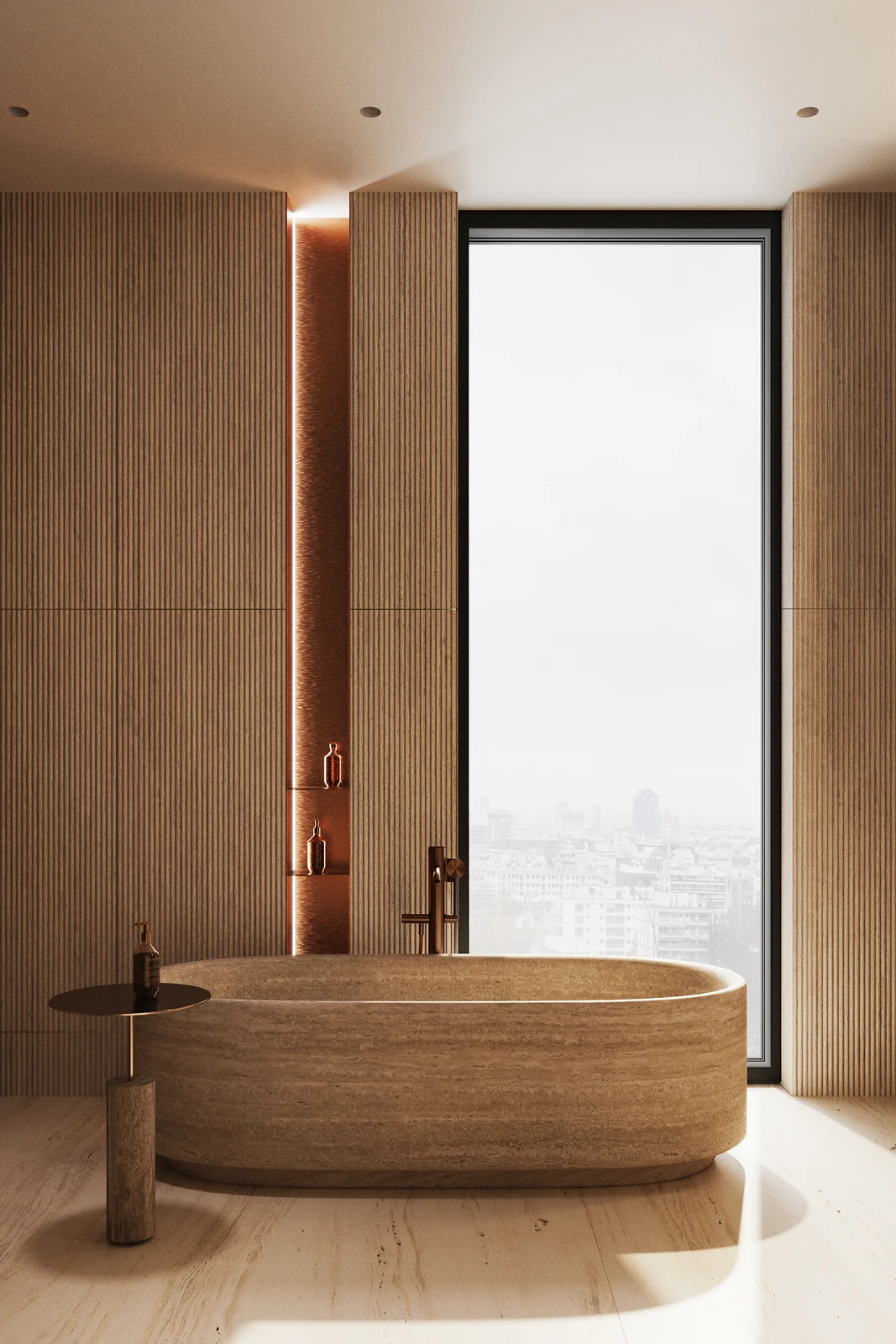 DRAG TO ROTATE / SCROLL TO ZOOM
A final image shows one view. An editable scene lets you keep working with the objects, positions and materials behind it. Scene Studio brings those changes into a browser workspace.
This demo runs locally in your browser. Selected textures and edits are not uploaded or sent to AI. Reloading resets the demo. How demo data works ↗
Rotate the room. Select an object.
Explore the editing tools.
This is the prototype’s prepared scene and browser editor. The 3D preview uses browser materials and differs from the reference render. Demo edits are temporary and reset when reloaded.
Rotate, pan and zoom. Inspect the room from above and switch between prepared bath and vanity variants.
Select objects, move or rotate them, enter coordinates in millimetres and preview materials.
The original workspace also supports saved revisions and limited AI tests. Some processing depends on a local computer.
Workspace access requires a key. AI revisions are separate from this public demo. Complete Corona and V-Ray material transfer is not implemented.